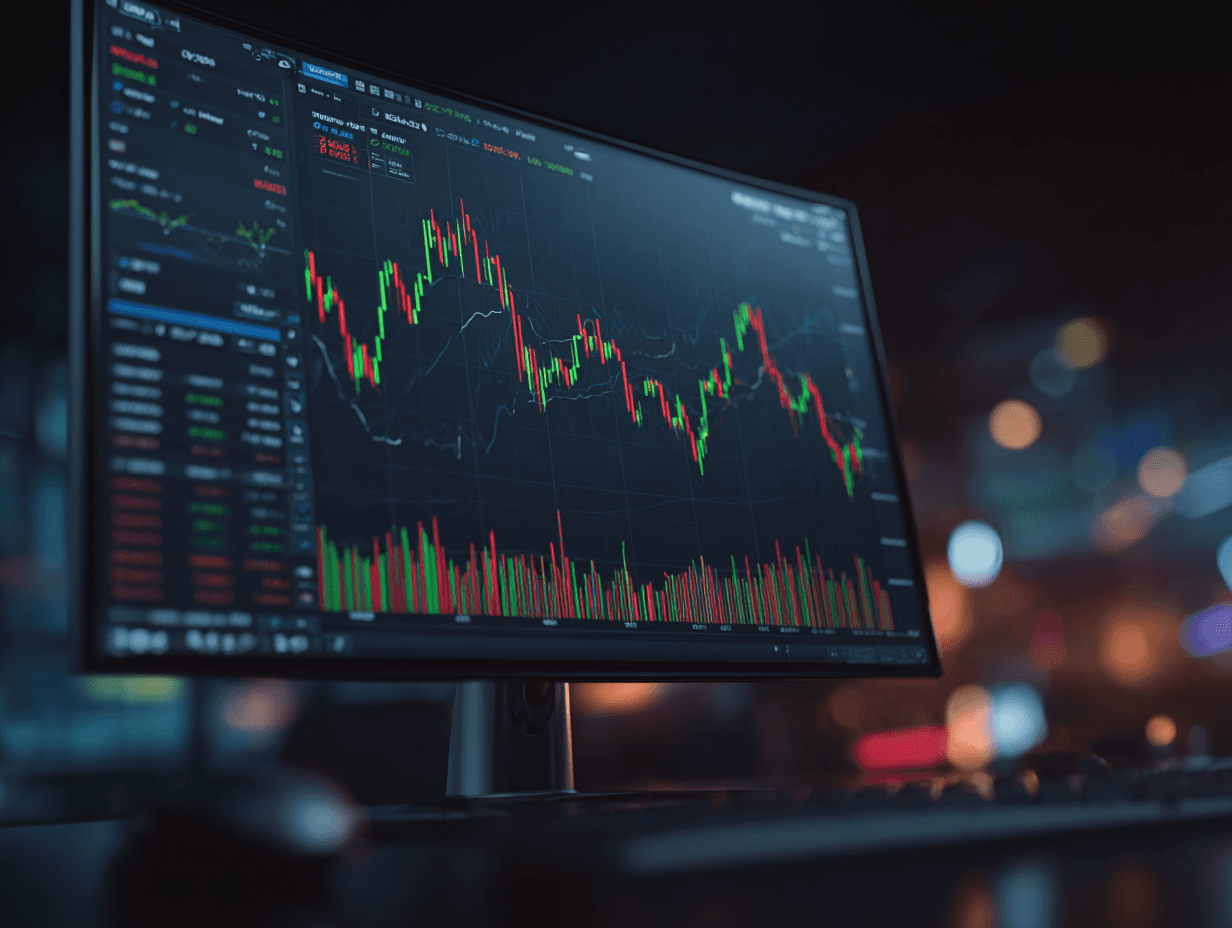
Desktop Applications

Desktop Applications in the trading ecosystem are software applications installed and run locally on a user's computer. These applications offer a comprehensive trading interface with robust functionality, often providing more extensive features and higher performance than other application types. They are designed to cater to traders who require powerful tools for analyzing data, executing trades, and managing their portfolios efficiently.

Desktop Applications in the trading ecosystem are software applications installed and run locally on a user's computer. These applications offer a comprehensive trading interface with robust functionality, often providing more extensive features and higher performance than other application types. They are designed to cater to traders who require powerful tools for analyzing data, executing trades, and managing their portfolios efficiently.

Key Features

icon

Full-Fledged Interface

Provides a complete suite of trading functionalities, including advanced charting, technical analysis tools, and real-time data feeds.

icon

Full-Fledged Interface

Provides a complete suite of trading functionalities, including advanced charting, technical analysis tools, and real-time data feeds.

icon

Full-Fledged Interface

Provides a complete suite of trading functionalities, including advanced charting, technical analysis tools, and real-time data feeds.

icon

Performance Optimization

Utilizes the resources of a local machine for enhanced speed and responsiveness, making it suitable for complex trading strategies.

icon

Performance Optimization

Utilizes the resources of a local machine for enhanced speed and responsiveness, making it suitable for complex trading strategies.

icon

Performance Optimization

Utilizes the resources of a local machine for enhanced speed and responsiveness, making it suitable for complex trading strategies.

icon

Customizable Workspaces

Allows for personalization of the trading environment to fit individual trader preferences and workflows.

icon

Customizable Workspaces

Allows for personalization of the trading environment to fit individual trader preferences and workflows.

icon

Customizable Workspaces

Allows for personalization of the trading environment to fit individual trader preferences and workflows.

icon

Offline Capability

Offers offline functionality that enables users to analyze data or prepare trades without constant internet access.

icon

Offline Capability

Offers offline functionality that enables users to analyze data or prepare trades without constant internet access.

icon

Offline Capability

Offers offline functionality that enables users to analyze data or prepare trades without constant internet access.

Important desktop features

Important desktop features

Desktop Applications
icon

Advanced Trading Capabilities

Provides traders access to robust tools for complex analysis and trading strategies.

icon

Improved Performance

Utilizes local systems to enhance application speed, reliability, and response time.

icon

Increased Productivity

Allows traders to integrate their trading activities into their broader desktop workflows.

icon

Higher Control Over Environment

Facilitates a stable and controlled trading experience without dependency on browser limitations.

Desktop Applications
icon

Advanced Trading Capabilities

Provides traders access to robust tools for complex analysis and trading strategies.

icon

Improved Performance

Utilizes local systems to enhance application speed, reliability, and response time.

icon

Increased Productivity

Allows traders to integrate their trading activities into their broader desktop workflows.

icon

Higher Control Over Environment

Facilitates a stable and controlled trading experience without dependency on browser limitations.

Differences Between Application Types

Differences Between Application Types

A comparison of desktop, mobile, and web trading environments.

Desktop Applications

Mobile Applications

Web Applications

Installation & Accessibility

Require installation on a personal computer and offer extensive features often not available in lighter applications.

Designed for smartphones and tablets, emphasizing portability and the ability to trade on-the-go, with more streamlined features due to device constraints.

Accessed via internet browsers, offering the flexibility to trade from any connected device without the need to install software.

Performance & Feature

Offer enriched functionalities and leverage local system resources for optimized performance.

Focus on convenience and accessibility, allowing traders to monitor markets and place trades from anywhere, albeit with more limited screen real estate and reduced functionality.

Provide quick access and ease of use, focusing on universal accessibility with moderate functionality for trading and account management.

User Experience & Environment

Provide a stable, high-performance environment with comprehensive tools and detailed visualizations.

Prioritize user-friendly interfaces that accommodate smaller screens while ensuring essential trading features are easily navigable.

Offer versatility in use, ensuring consistent performance across different operating systems and easier updating through central servers.

© B2TRADER 2025 All Rights Reserved.

© B2TRADER 2025 All Rights Reserved.

© B2TRADER 2025 All Rights Reserved.