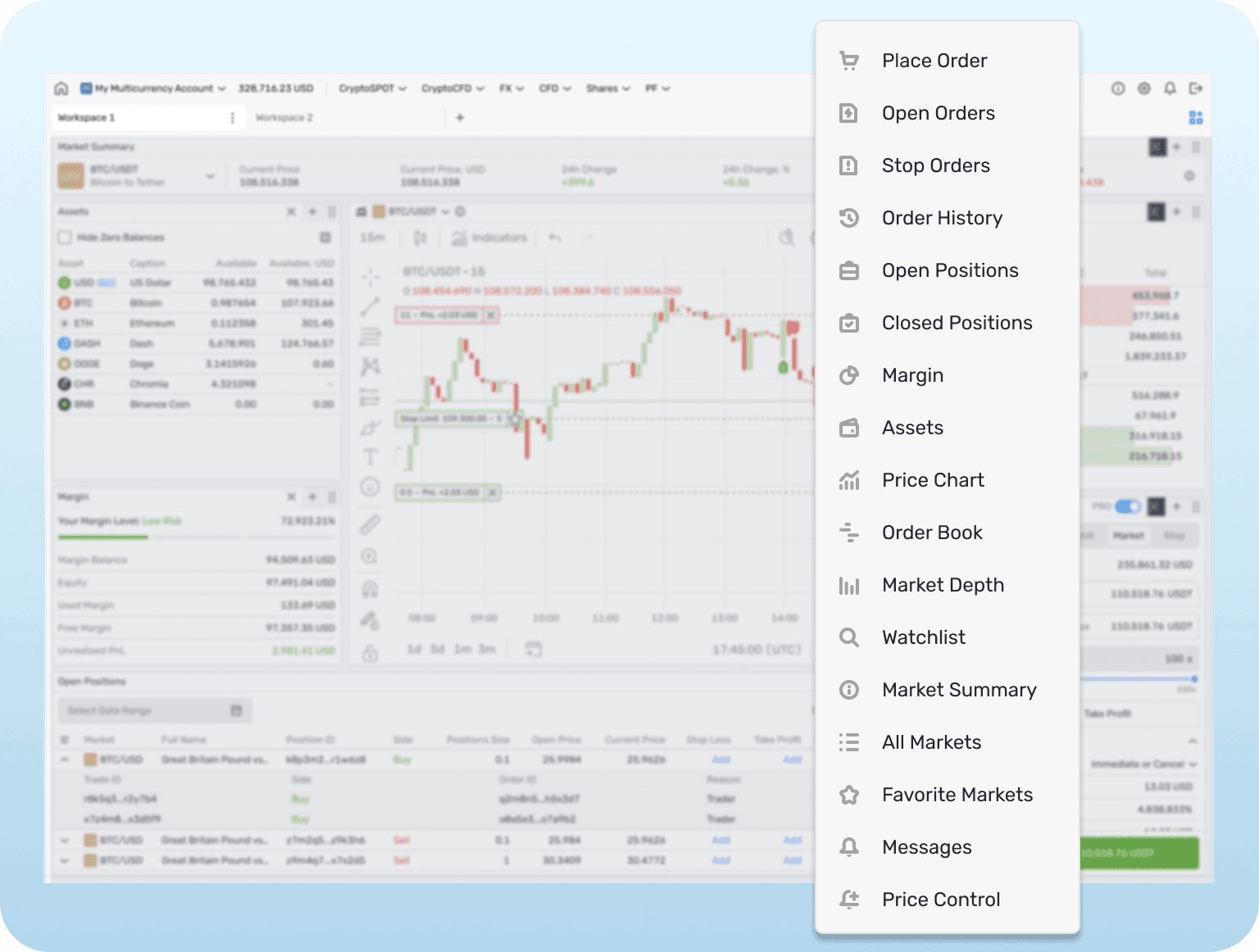
Configurable Workspaces provide you with a customizable trading environment, allowing you to tailor the user interface to suit individual preferences and trading strategies.

This feature enhances usability and efficiency by enabling creation of unique interfaces that meet any specific needs.
Key features

Widget Customization

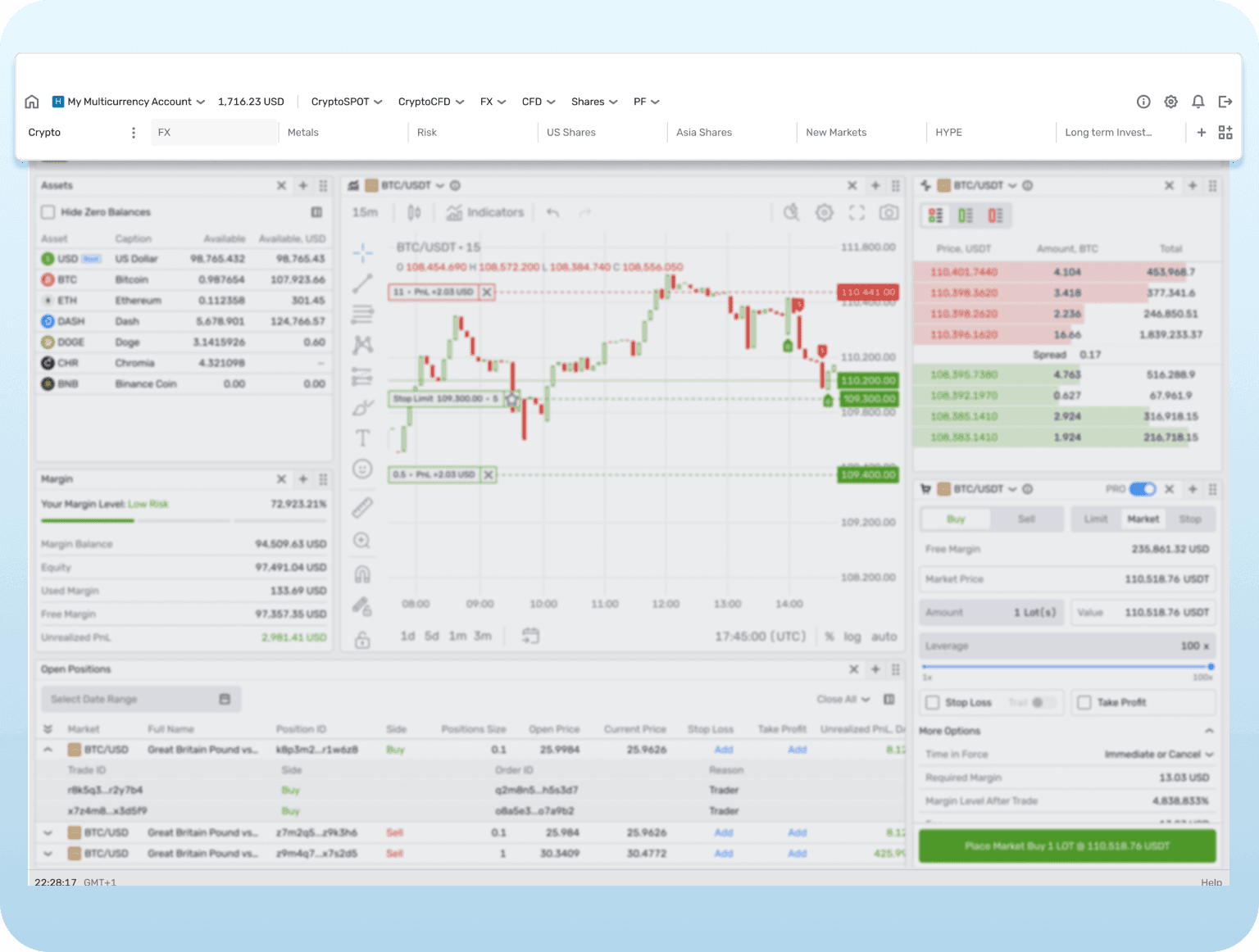
You can add, delete, reposition, and resize widgets to build a custom workspace that aligns with your trading style.

Advanced Widget Modes

Multiple Workspaces

Multiple Workspaces
Advanced Widget Modes
Widget Customization

Key features

Widget Customization

You can add, delete, reposition, and resize widgets to build a custom workspace that aligns with your trading style.

Advanced Widget Modes

Multiple Workspaces

Multiple Workspaces
Advanced Widget Modes
Widget Customization

Key features

Widget Customization

You can add, delete, reposition, and resize widgets to build a custom workspace that aligns with your trading style.

Advanced Widget Modes

Multiple Workspaces

Multiple Workspaces
Advanced Widget Modes
Widget Customization

How it works

How it works

Interface Configuration

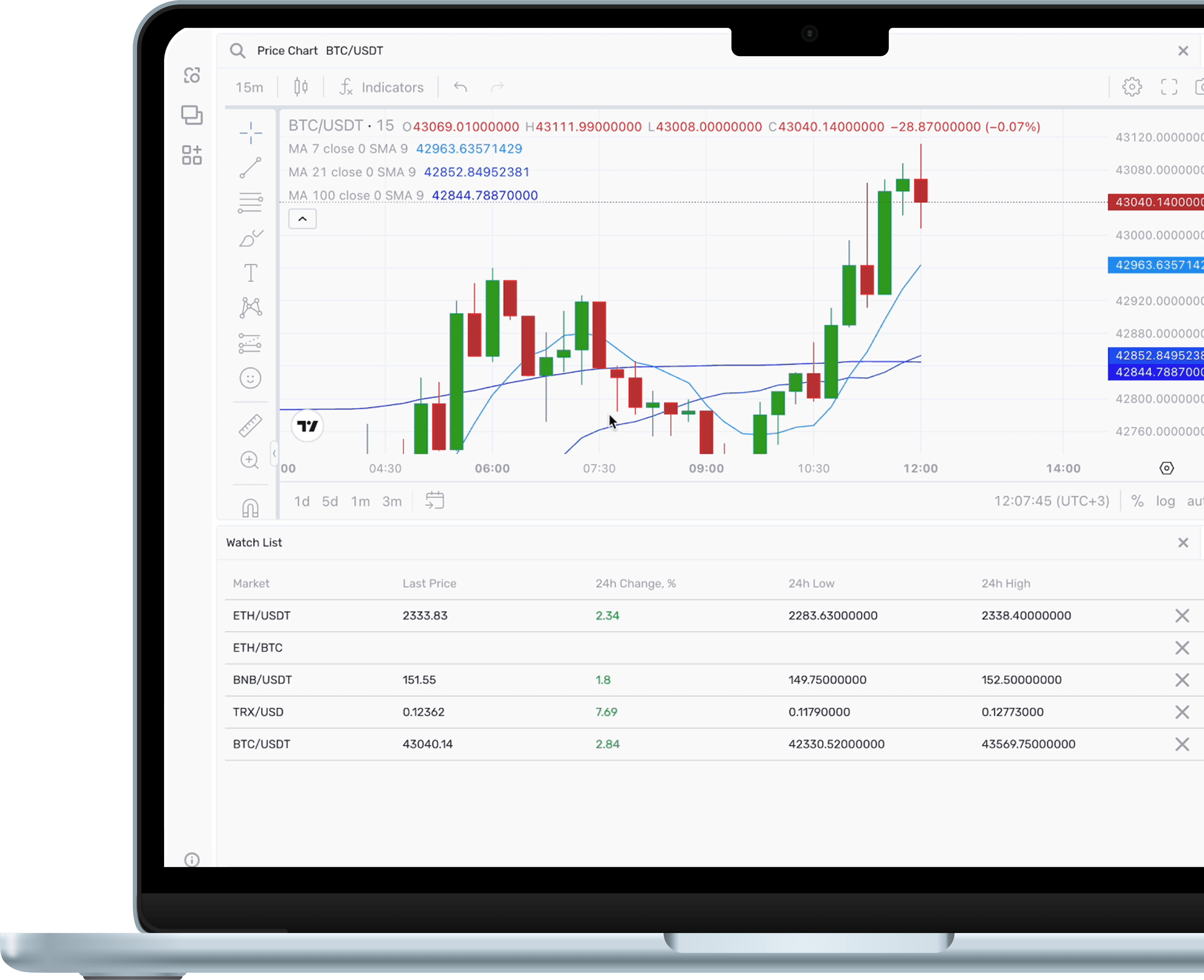
You can start by selecting widgets relevant to your trading activities and can modify each widget’s position and size. This ensures that the most important information is readily accessible and visible.

Creating Workspaces

Up to 10 workspaces can be created, allowing you to switch between different layouts tailored to various trading scenarios or strategies.

Advanced Modes

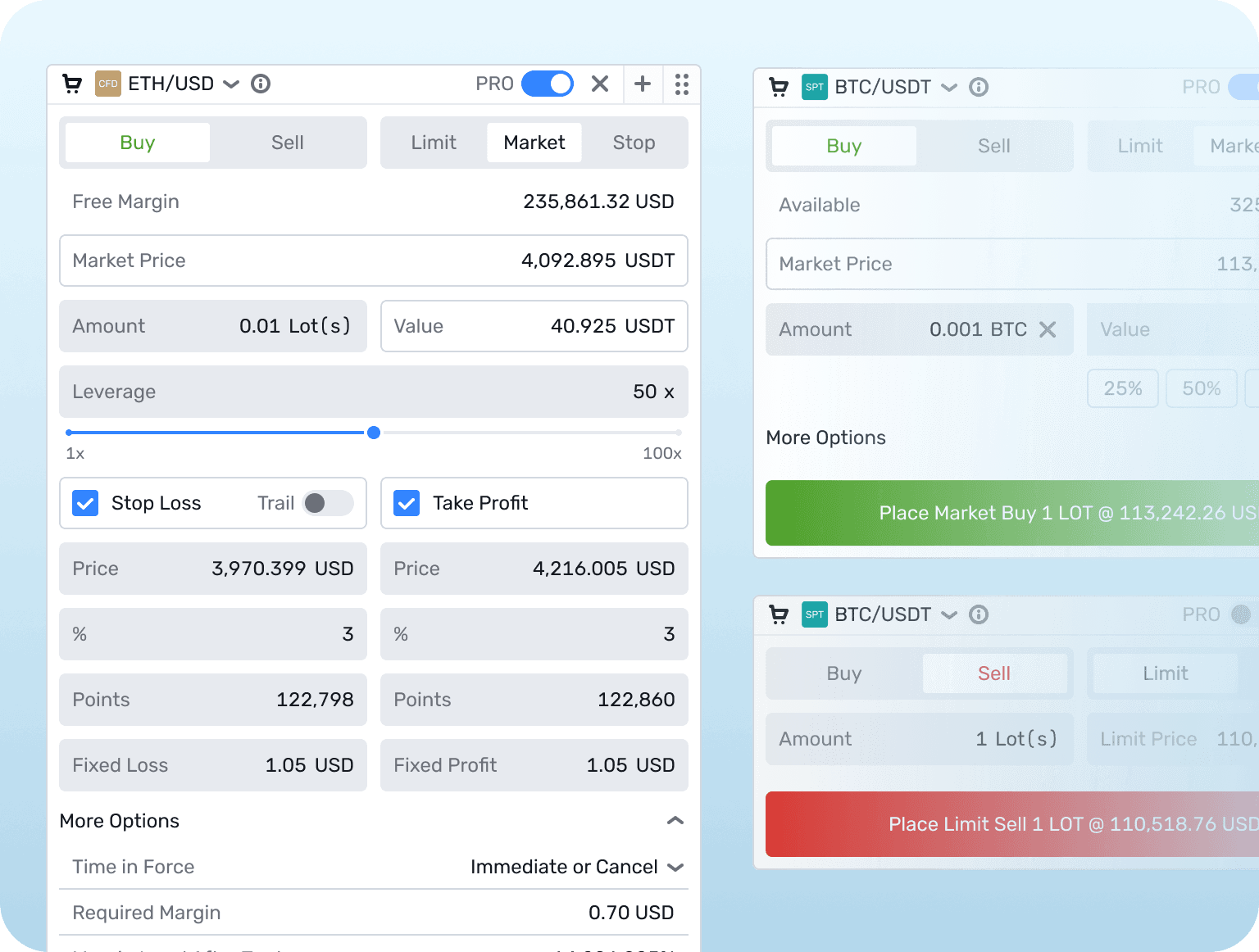
Widgets like the Place Order widget have an advanced mode option that reveals additional features, giving traders more comprehensive tools to execute and manage trades.

Interface Configuration

You can start by selecting widgets relevant to your trading activities and can modify each widget’s position and size. This ensures that the most important information is readily accessible and visible.

Creating Workspaces

Up to 10 workspaces can be created, allowing you to switch between different layouts tailored to various trading scenarios or strategies.

Advanced Modes

Widgets like the Place Order widget have an advanced mode option that reveals additional features, giving traders more comprehensive tools to execute and manage trades.

Ultimate UI flexibility

From faster execution to better strategies — all in one interface.

Enhanced User Experience

Fully customizable interfaces make it easier for you to manage your trades by focusing on the tools and data most relevant.

Improved Efficiency

By designing interfaces that suit your workflow, you can save time and reduce errors, improving overall trading performance.

Adaptability

The ability to create and modify workspaces allows you to quickly adapt to market changes or new strategies by redesigning your interfaces as needed.

Increased Satisfaction

A personalized trading environment can enhance satisfaction, leading to longer platform engagement and greater trading volumes.
FREQUENTLY ASKED QUESTIONS

What is the purpose of Configurable Workspaces?

They allow you to tailor a trading interface by customizing widget arrangements and sizes, creating an environment optimized for your specific trading needs.

What is the purpose of Configurable Workspaces?

They allow you to tailor a trading interface by customizing widget arrangements and sizes, creating an environment optimized for your specific trading needs.

What is the purpose of Configurable Workspaces?

They allow you to tailor a trading interface by customizing widget arrangements and sizes, creating an environment optimized for your specific trading needs.

How can I customize my trading workspace?

How can I customize my trading workspace?

How can I customize my trading workspace?

Can I save multiple configurations?

Can I save multiple configurations?

Can I save multiple configurations?

What are advanced modes in widgets?

What are advanced modes in widgets?

What are advanced modes in widgets?

Is it difficult to set up a custom workspace?

Is it difficult to set up a custom workspace?

Is it difficult to set up a custom workspace?

© B2TRADER 2025 All Rights Reserved.

© B2TRADER 2025 All Rights Reserved.

© B2TRADER 2025 All Rights Reserved.